
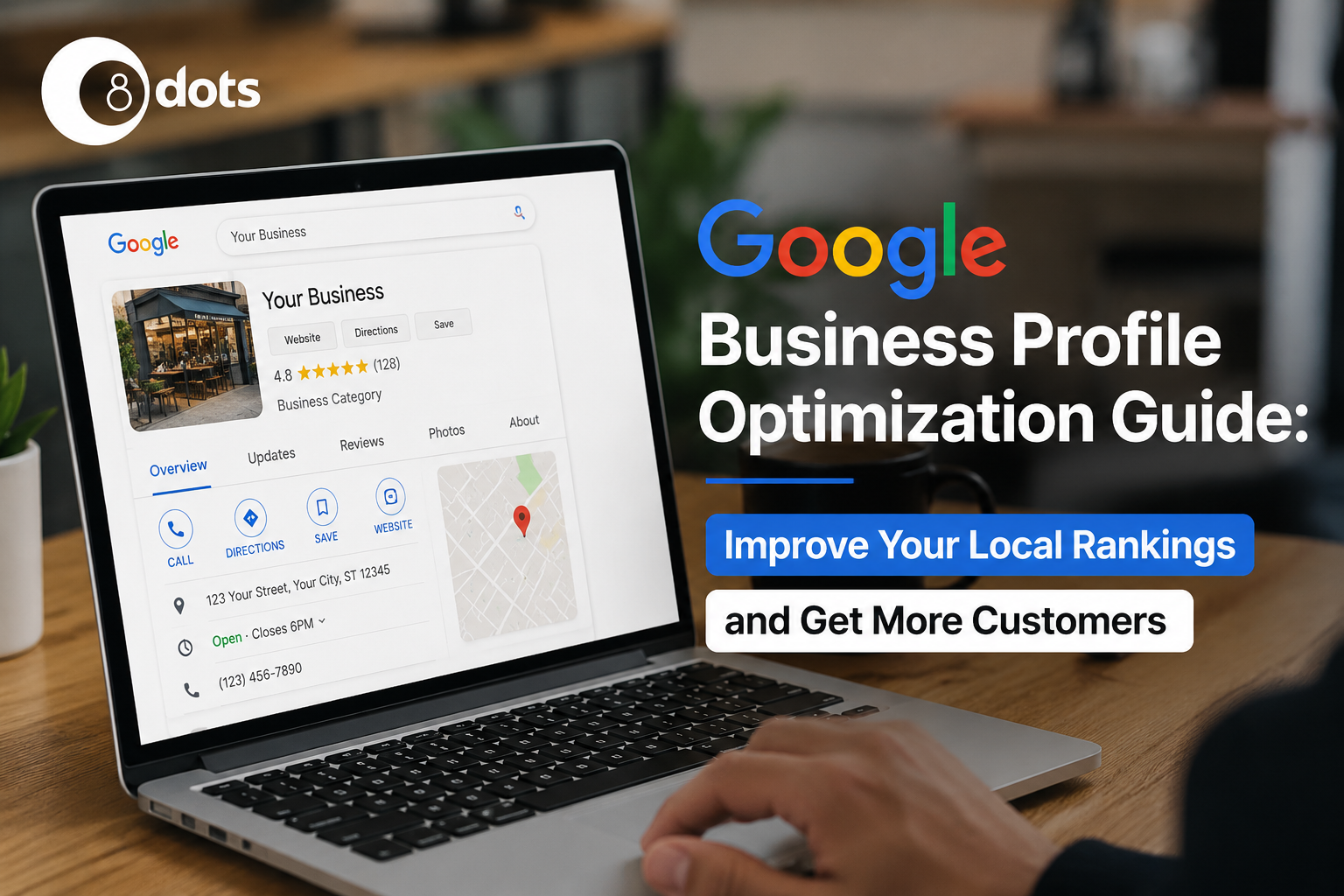
What Is Google Business Profile?
Google Business Profile, or GBP, is a free Google tool that helps businesses manage how they appear on Google Search and Google Maps.
You can add important business details such as your name, address, phone number, website, working hours, photos, services, and customer reviews.
A well managed profile makes it easier for local customers to find your business when they search for products or services nearby.
Any eligible local business, including shops, offices, service providers, restaurants, and professional services, can use Google Business Profile.
Why Google Business Profile Matters for Local SEO
Google uses information from your Business Profile, along with other local ranking signals, to understand which businesses are relevant to a search.
A complete and accurate profile can help improve your local visibility and make it easier for customers to contact you.
Your business can appear in both Google Search and Google Maps, but the experience is slightly different. Search can show your profile alongside regular search results, while Maps helps people discover businesses based on their location and search intent.
For local businesses, this visibility can lead to more calls, website visits, direction requests, and enquiries.
How to Set Up Your Google Business Profile
Setting up your profile is the first step toward building a stronger local presence.
Create or Claim Your Listing
Search for your business on Google. If a profile already exists, you can claim it. If not, create a new Business Profile using your official business details.
Verify Your Business
Google may ask you to verify your business through an available verification method. Complete the process to manage your profile.
Select the Correct Business Category
Choose the category that best describes your main business. Your primary category helps Google understand what your business offers.
Complete Your Business Information
Once your profile is created, make sure every important detail is complete and accurate.
Include your:
• Business name
• Address
• Phone number
• Website
• Business hours
• Service areas
• Relevant attributes
Keep this information consistent with your website and other online business listings. Even small errors can create confusion for customers.
Write an SEO Friendly Business Description
Your business description gives customers a quick idea of what you offer and where you operate.
Mention your main products or services, the areas you serve, and what makes your business useful to customers. You can naturally include relevant local keywords, but keep the description readable.
Avoid stuffing keywords or writing a description that sounds unnatural. Your goal is to explain your business clearly, not write content only for search engines.
Add High Quality Photos and Videos
Visual content can make your profile more attractive and give potential customers a better idea of your business.
Consider adding:
• Business logo
• Cover photo
• Team photos
• Office or store images
• Product and service photos
• Short videos
Use clear, genuine images that represent your actual business. Avoid using heavily edited or unrelated stock images.
Manage Google Reviews Effectively
Reviews can influence how potential customers view your business. They can also help build trust before someone contacts you.
Ask genuine customers to leave honest reviews after using your product or service. Make the process simple by providing your review link when appropriate.
Respond to positive reviews with a short and personal message. For negative reviews, stay professional, acknowledge the concern, and offer a helpful solution where possible.
Most importantly, never buy fake reviews or encourage customers to post misleading feedback.
Keep Your Profile Active with Regular Updates
An active profile gives customers more current information about your business.
You can share:
• Google Posts
• Special offers
• Events
• Product updates
• Holiday hours
For example, if your business has changed its holiday timings, update them before customers start searching. This helps avoid confusion and unnecessary calls.
Use Google Business Profile Features to Generate More Leads
Your Business Profile includes several features that can make it easier for customers to take action.
Depending on your business and eligibility, you may be able to use:
• Messaging for customer enquiries
• Call buttons for direct contact
• Booking options for appointments
• Products to showcase your offerings
• Services to explain what you provide
• FAQs to answer common questions
Use the features that match your customer journey. A service business may benefit more from calls and bookings, while a retail business may get more value from products.
Monitor Performance with Google Business Profile Insights
Regularly checking your profile performance helps you understand how customers discover and interact with your business.
Pay attention to:
• Search views
• Maps views
• Phone calls
• Website clicks
• Direction requests
• Popular search terms
These insights can show which actions customers take after finding your profile and which search terms are bringing visibility.
Common Google Business Profile Mistakes to Avoid
Even a well established profile can lose effectiveness because of simple mistakes.
Some common problems include:
• Leaving important profile information incomplete
• Choosing an unrelated business category
• Creating duplicate listings
• Keeping outdated business information
• Ignoring customer questions
• Adding keywords unnaturally to the business name
Review your profile regularly to catch these issues before they affect the customer experience.
Frequently Asked Questions
How often should I update my Google Business Profile?
Update your profile whenever important business information changes. You can also add fresh posts and updates regularly to keep customers informed.
Is Google Business Profile free?
Yes. Creating and managing a Google Business Profile is free for eligible businesses.
Can I rank without a website?
Yes. A website is not required to have a Google Business Profile. However, having a useful website can give customers more information about your business.
How long does optimization take?
There is no fixed timeline. Improvements depend on factors such as competition, location, business relevance, profile quality, and customer activity.
How many photos should I upload?
There is no fixed number. Start with clear photos that represent your business, products, team, location, and services, then add fresh images over time.
Why isn’t my profile showing on Google Maps?
Your profile may not appear because of verification issues, incomplete information, category relevance, competition, or other local ranking factors. Check that your profile is verified and your business information is accurate.
Final Thoughts
Google Business Profile is one of the most useful tools for businesses that want to improve their local online presence. A complete profile, accurate information, genuine reviews, useful content, and regular monitoring can help you build stronger visibility and make it easier for customers to choose your business.
Local SEO is not about making one change and waiting for results. It is about keeping your business information accurate, useful, and relevant over time.
Need Help Optimizing Your Google Business Profile?
Want to improve your local visibility and generate more enquiries? 8 Dots can help you optimize your Google Business Profile and build a stronger local SEO strategy for your business.
Get in touch with 8 Dots today and take the next step toward better local visibility.
